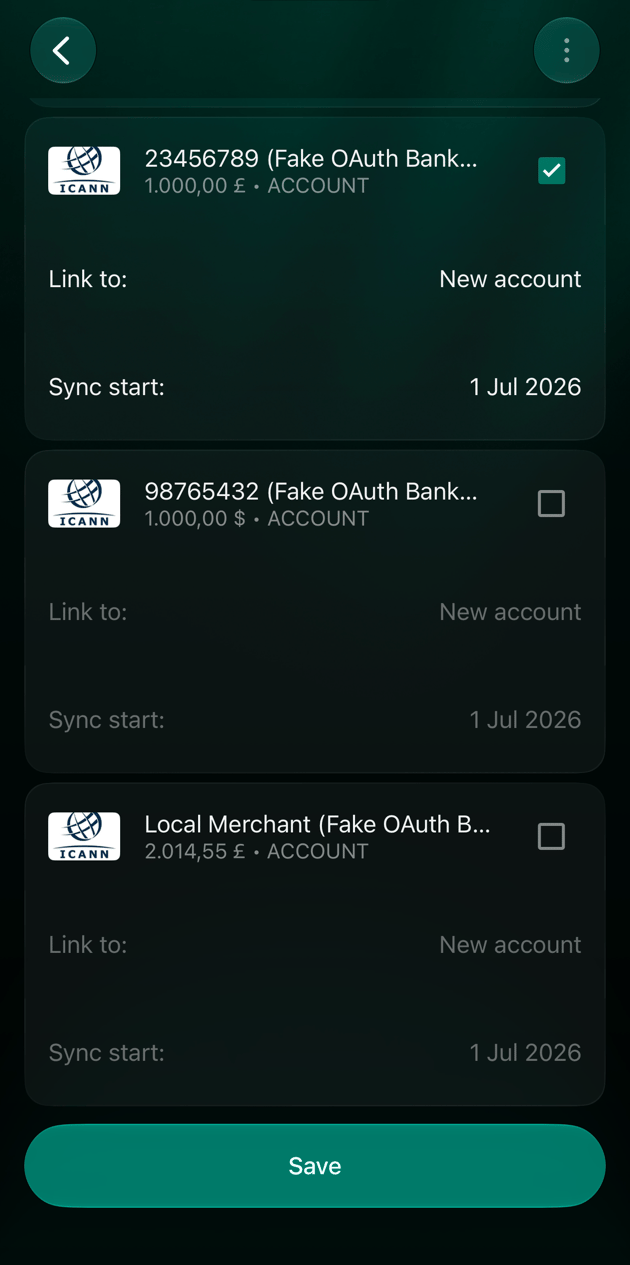
Disconnect a bank
Disconnecting applies to the whole bank: all of its connected accounts stop receiving automatic transaction updates.- Web
- Android
- iOS
- Open More → Institutions and select the bank.
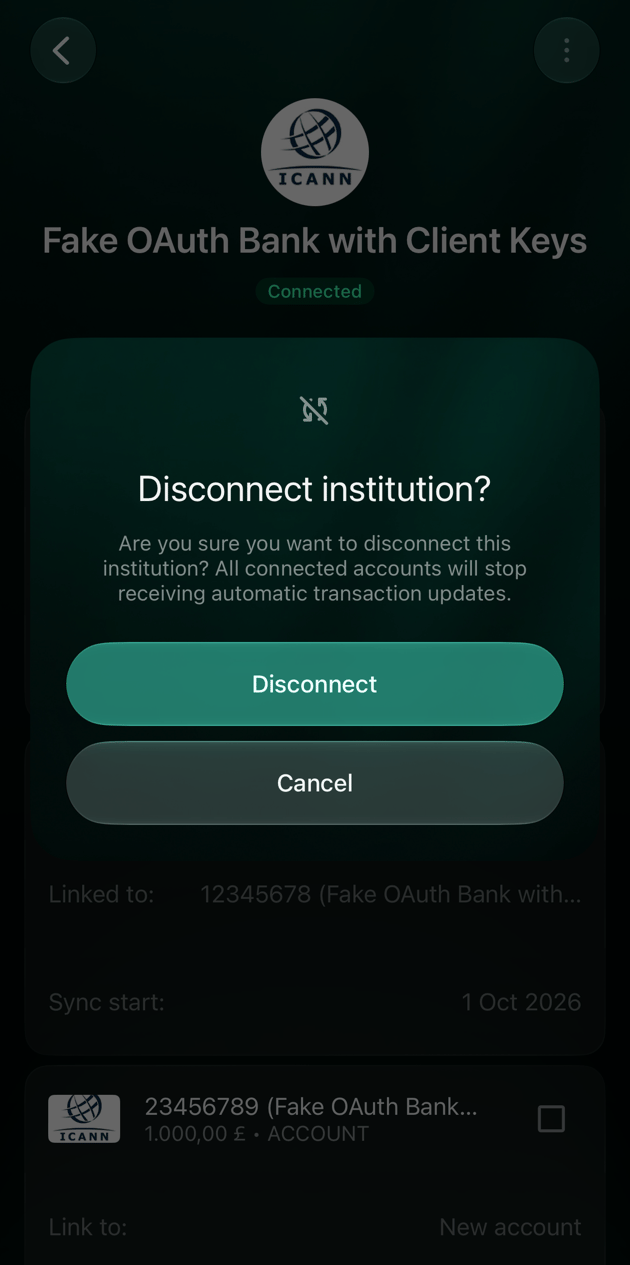
- Select ⋮ → Disconnect institution.
- Select Disconnect to confirm, or Cancel to keep the bank connected.
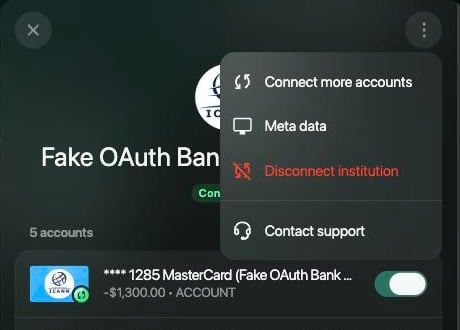
Disconnect institution is in the bank's ⋮ menu.
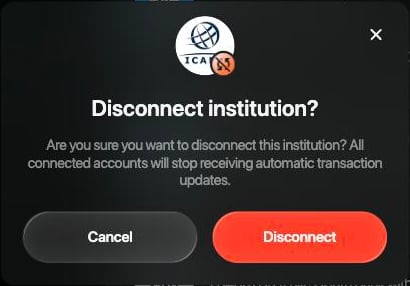
Select Disconnect to confirm.
Stop syncing one account
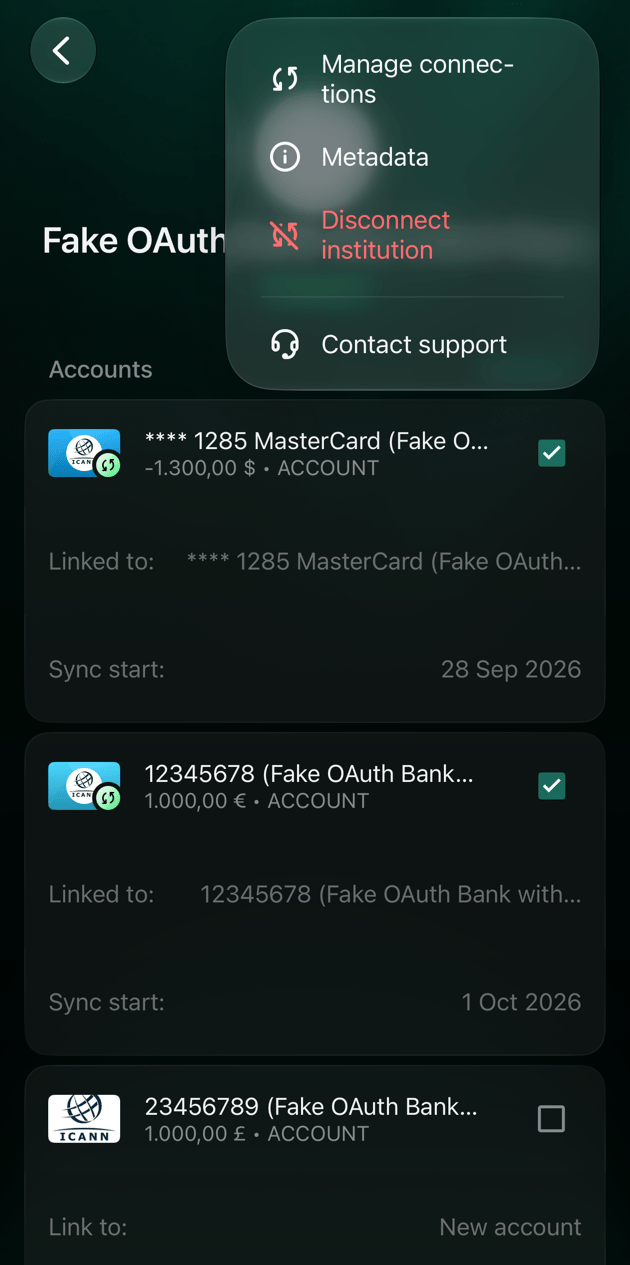
To keep the bank connected but stop some of its accounts, turn those accounts off on the bank’s screen and save. The accounts you turn off stop receiving automatic updates. If you turn off every account, the button changes to Disconnect institution on the web or Disconnect in the apps, which disconnects the whole bank. For PrivatBank, change the tracked cards as described in After connecting.- Web
- Android
- iOS
- Open More → Institutions and select the bank.
- Turn off the account you want to stop syncing.
- Select Save.
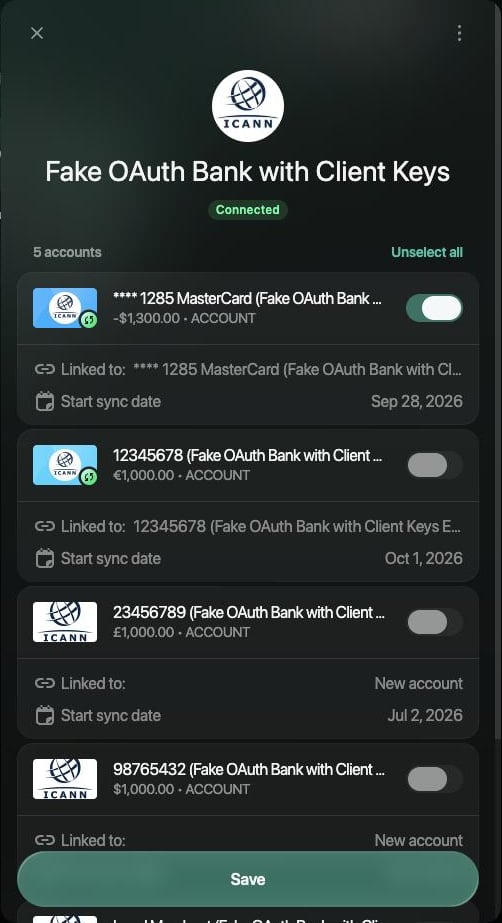
Turn off the account, then select Save.
After disconnecting
The accounts you disconnect stay in finerd with their transactions. They become manual accounts: nothing new arrives from the bank, and you keep them up to date yourself.- Transactions stay. New ones from the bank stop arriving.
- The balance can change. finerd removes the balances it got from your bank (Current balance in the account’s verified balances) and the records based on them, such as Initial balance. The account’s balance is then the sum of its transactions. For example, an account that showed 1,000 EUR from the bank but had only 100 EUR of transactions in finerd shows 100 EUR after disconnecting. To bring it back in line, add a verified balance from your bank statement.
- The status disappears. The account no longer shows Connected, and the bank’s screen no longer lists it as connected. A bank you disconnect completely disappears from Institutions.
- Manual-account actions become available. You can add a balance (Add), change the account type, and archive or delete the account without disconnecting it first. See Create and set up an account.
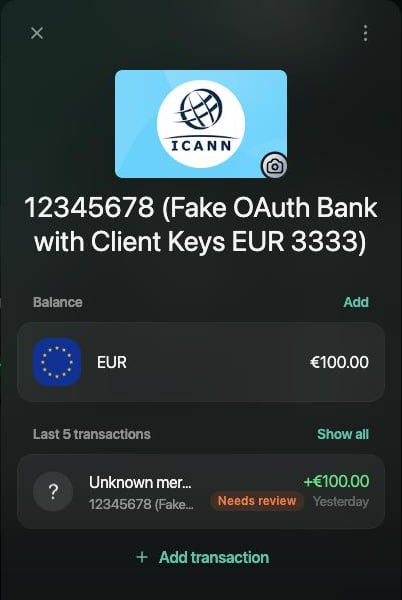
Web: no status, Add appears next to Balance, only the account's own transactions are left.
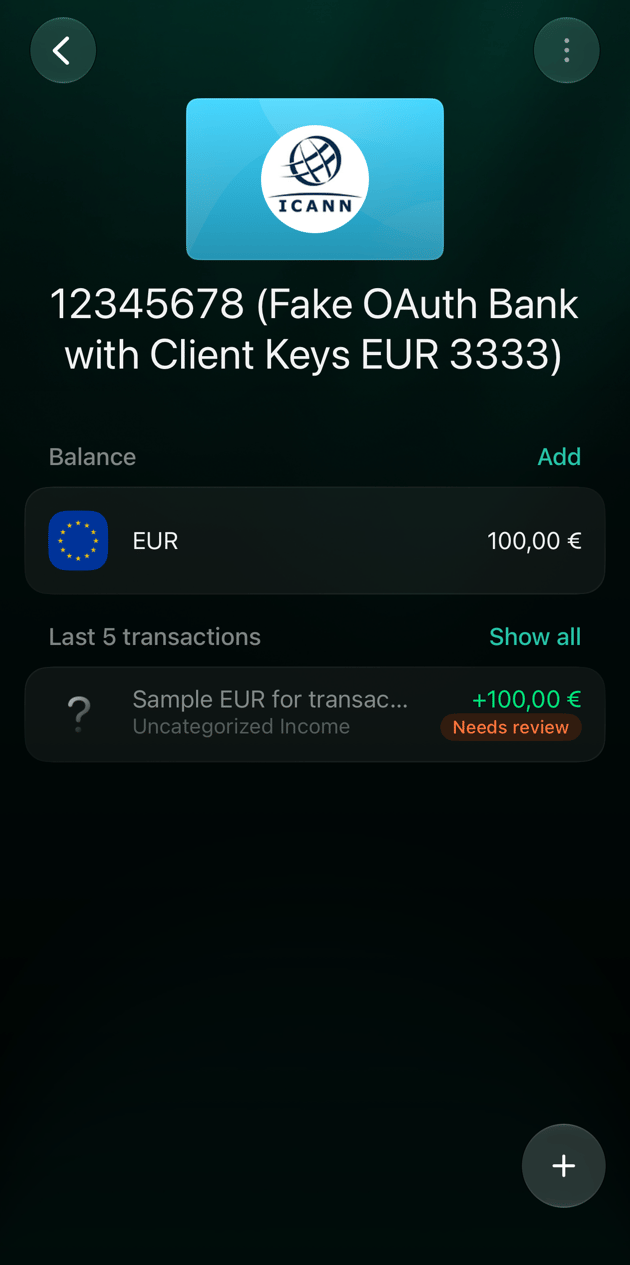
iOS: the same account after disconnecting.
Connect again
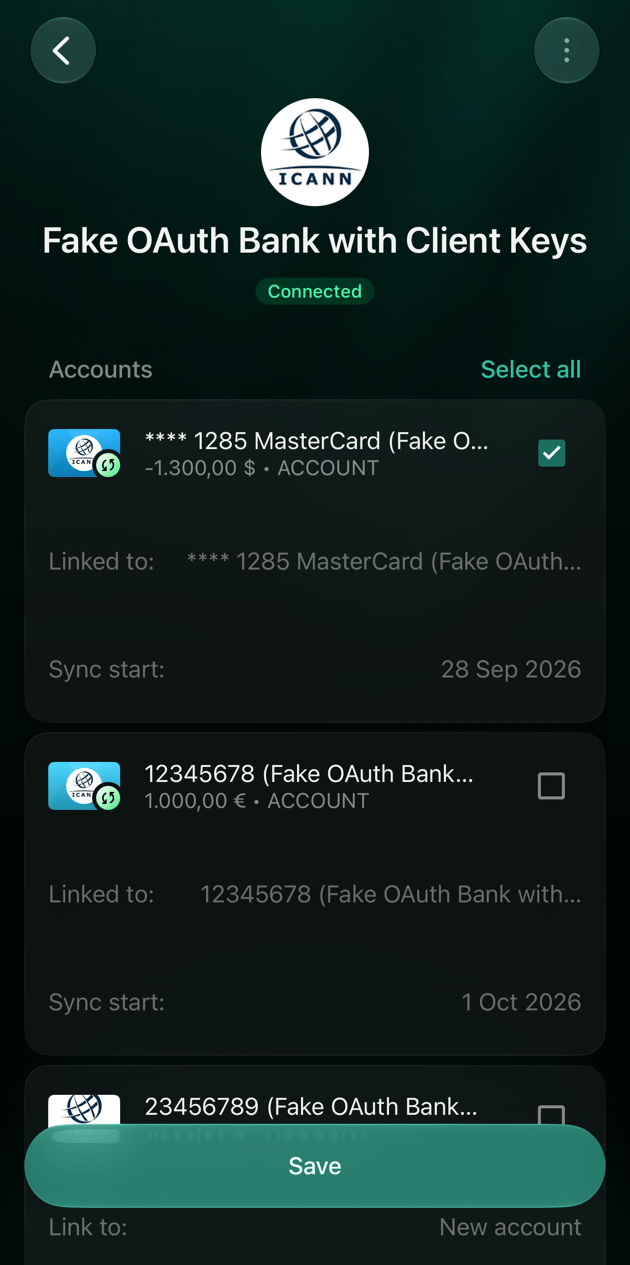
You can connect a disconnected account again later. finerd suggests a New account for it by default. To continue the account you already have, link the bank account to it before you save.- Web
- Android
- iOS
- Open More → Institutions and select the bank.
- Turn the account on.
- Select Linked to and choose your account under Manual bank accounts.
- Select Save.
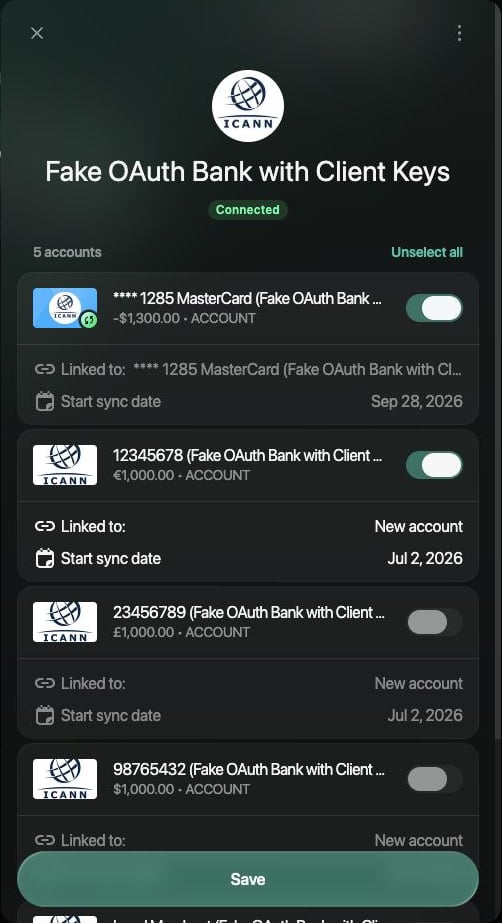
Select Linked to and choose your existing account instead of New account.