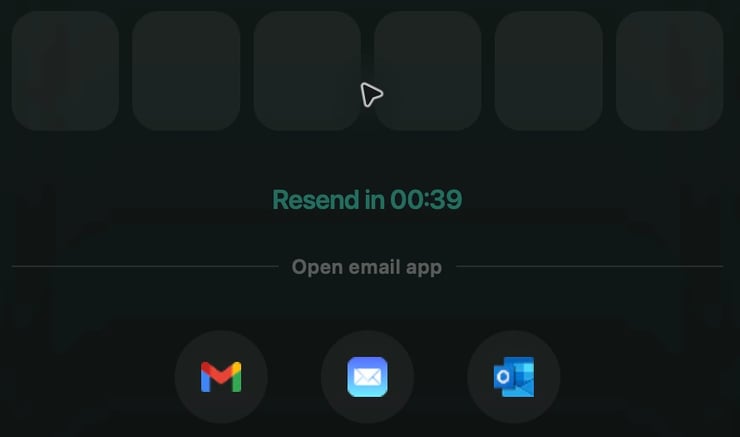
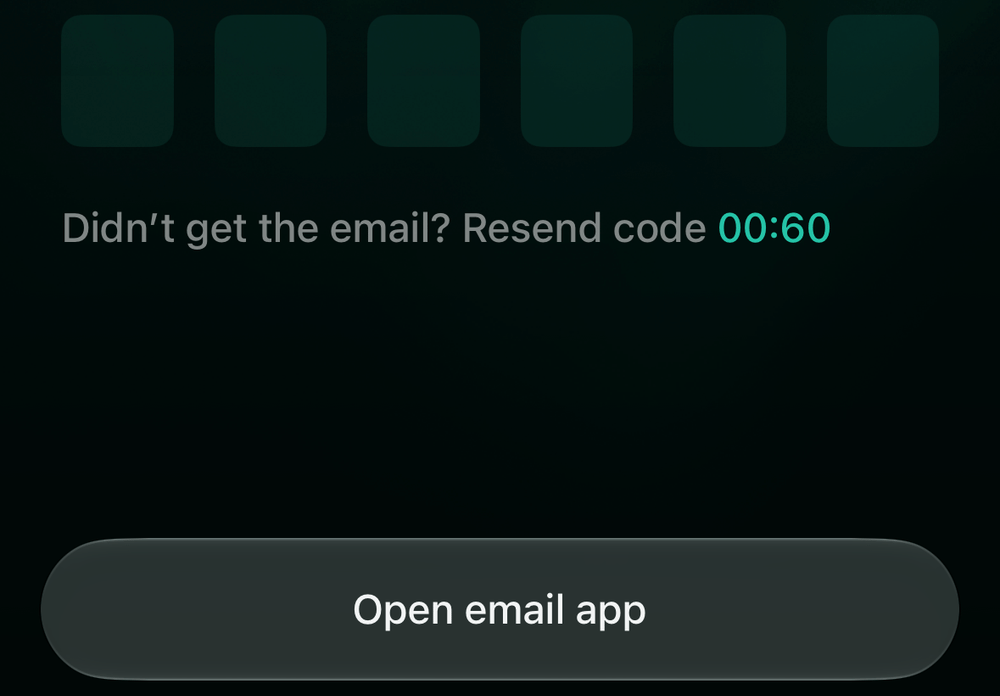
To register, use an email address whose inbox you can open. To sign in, use the email associated with your finerd account. Both flows use a six-digit email code; you don’t need a finerd password.Before continuing with registration, read the terms and privacy information linked on the screen.
For Google, select Sign up with Google on the registration form or Continue with Google on the login form. To sign in, use the Google account associated with your finerd account.
Enter the six-digit code from your email.
Open finerd.
Your task
Start here
After entering your email, tap
Create an account
Don’t have an account? Sign up
Create account
Sign in to an existing account
Sign in to finerd screen
Sign in
For Google, choose the appropriate form, then tap Continue with Google. To sign in, use the Google account associated with your finerd account.
Open finerd.
Your task
On the welcome screen, tap
After entering your email, tap
Create an account
Don’t have an account?
Create account
Sign in to an existing account
Log in
Continue
If AI-Powered Features appears before the form, read the disclosure about data use. To proceed if you agree, tap Agree & Continue.Enter your address in Enter your email and tap the button shown in the table.
Enter your email to start registration.
Enter the six-digit code from your email.
Open the email from finerd, return to the app, and enter the six-digit code. It is checked automatically after you enter all six digits.If You already have a finerd account appears during registration on Web or iOS, an account with that email already exists.
No email with a code? Check that the address on the confirmation screen is correct and that you’re checking that inbox. Look in your spam folder too. When the countdown ends, select Resend code on the code-entry screen.Code not accepted? Check the six digits against the email from finerd. The code is valid for a limited time. If it has expired or you still can’t continue, wait until Resend code is available, request a new code, and enter it from the new email.If this doesn’t help, contact support by email. You don’t need to sign in to do this.