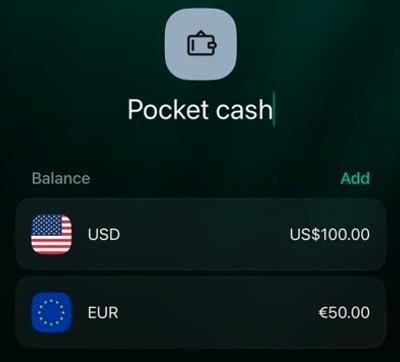
A cash account tracks the notes and coins you keep in your wallet or elsewhere. Cash doesn’t send notifications, so finerd only knows what you record: add the amount you have now, then record money as it comes in or goes out. One cash account can hold multiple currencies. For example, Pocket cash can track 100 USD and 50 EUR as separate balances. You don’t need a separate account for each currency — not even for the coins left over from your last trip. Sign in to the space where you want to track your cash, then choose your platform below.

Add a cash account

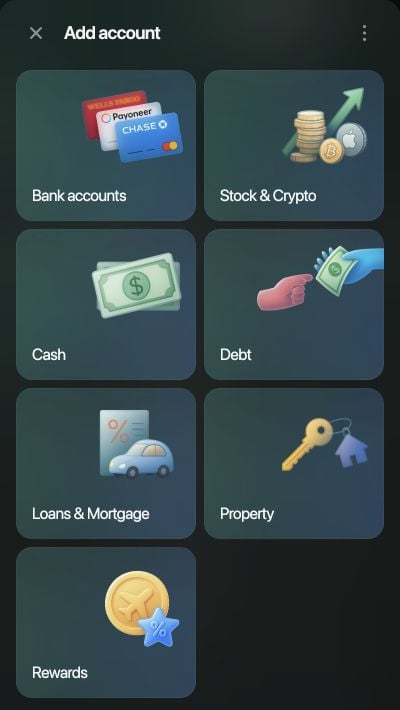
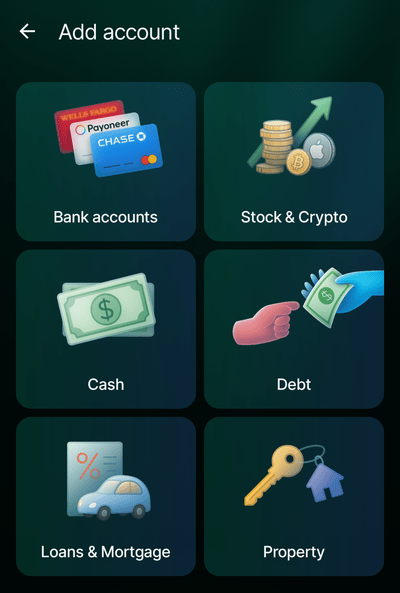
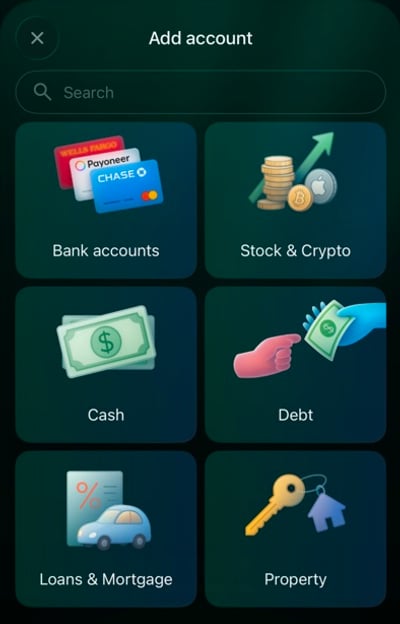
  1. Open Accounts, select Add account, then choose Cash.
  2. Enter a name you’ll recognize, such as Pocket cash, then select Continue.
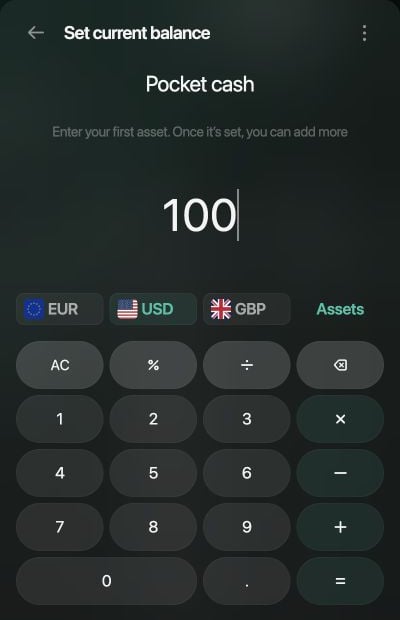
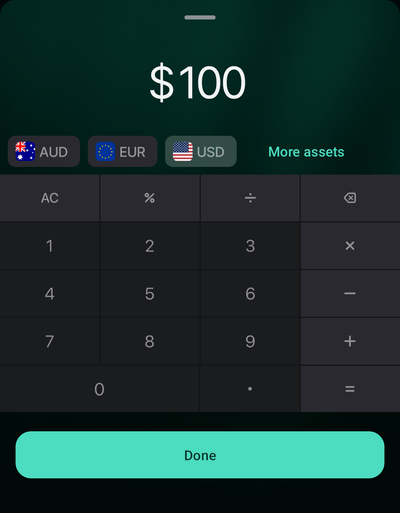
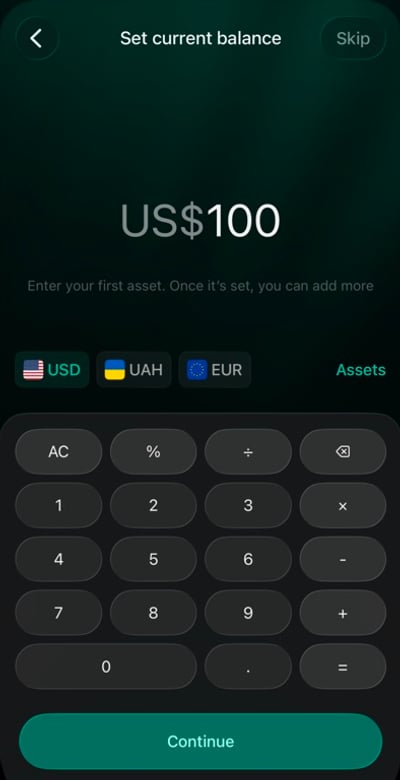
  3. On Set current balance, choose the currency and enter the cash you have now. Use Assets if the currency isn’t shown. For example, select USD, enter 100, and select Continue. If you’re starting with no cash, select Skip.
  4. Select Save.
Add account panel with Cash among the account types.

Choose Cash.

Set current balance panel for Pocket cash with 100 entered and USD selected.

Enter the cash you have now.

Your account appears under Cash in Accounts. The amount you enter is saved as the account’s first verified balance, so you can later compare your cash with it.

Track cash in more than one currency

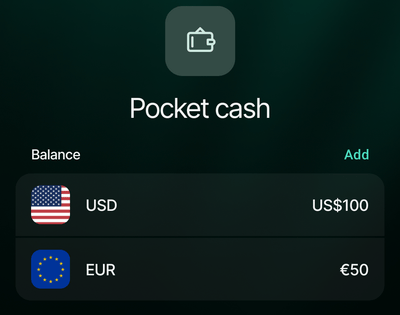
Keep each currency in its own balance within the same account. If your wallet contains 100 USD and 50 EUR, add both amounts to Pocket cash: To add another currency to an existing account:
  1. Open your cash account in Accounts.
  2. Select Add beside Balance.
  3. Choose the currency. Use Search if it isn’t listed.
  4. Enter the cash you hold in that currency, then select Save.
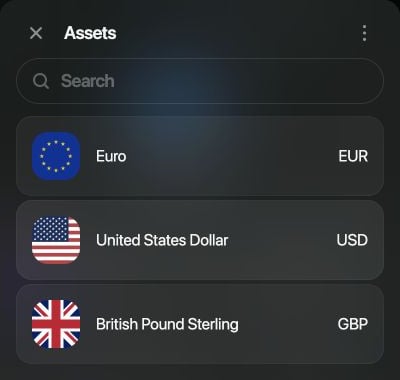
Assets picker showing EUR, USD, GBP, and a search field.

Choose the currency to add.

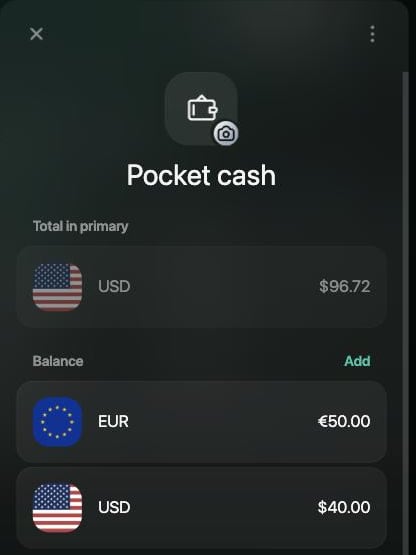
Pocket cash with Total in primary USD $96.72 and separate balances of €50.00 and $40.00, with Add beside Balance.

Each currency gets its own balance.
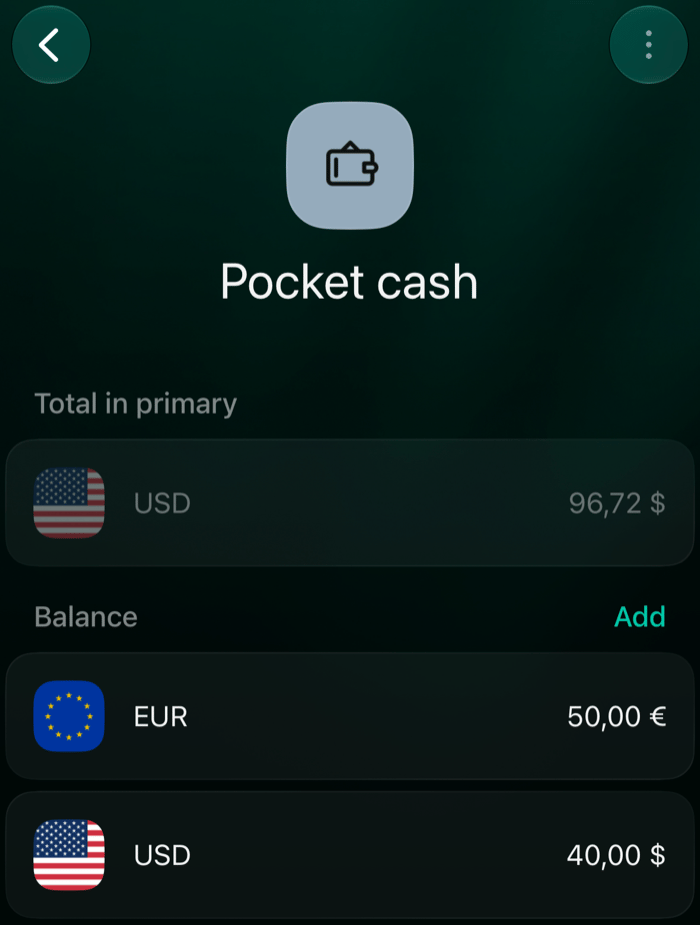
Each currency keeps its own balance, and each amount you add this way is saved as a verified balance for that currency. Total in primary shows their combined value in your space’s primary currency, and the Accounts list shows that total with the number of assets, for example “in 2 assets.” When recording a cash transaction, choose the currency you actually used. Spending 12 USD from this example leaves 88 USD and 50 EUR in the account.

Record money in and out

To add a movement manually, start a new transaction — Add transaction on the web, + in the mobile apps — and choose the type that matches what happened. When reviewing the transaction, make sure it uses your cash account and the correct currency, amount, and date. An ATM withdrawal isn’t spending yet: your money just moved from the card to your wallet. Record the expense when you spend that cash. For example, withdrawing 50 USD and then spending 12 USD means one transfer of 50 USD and one expense of 12 USD. If a connected bank has already imported a withdrawal or deposit, check that transaction before adding another record of the same movement. Withdraw or deposit cash shows how to turn it into a transfer to your cash account and how to record an ATM fee.

Check the balance

Count your cash from time to time and compare it with the balance in finerd, one currency at a time. To record what you counted, add a verified balance. If what you counted differs from finerd, the check gets a Balance correction for the difference. Look for missing transactions or incorrect amounts, including transfers; Review a discrepancy shows how to find them.