Choose your primary currency
- Web
- Android
- iOS
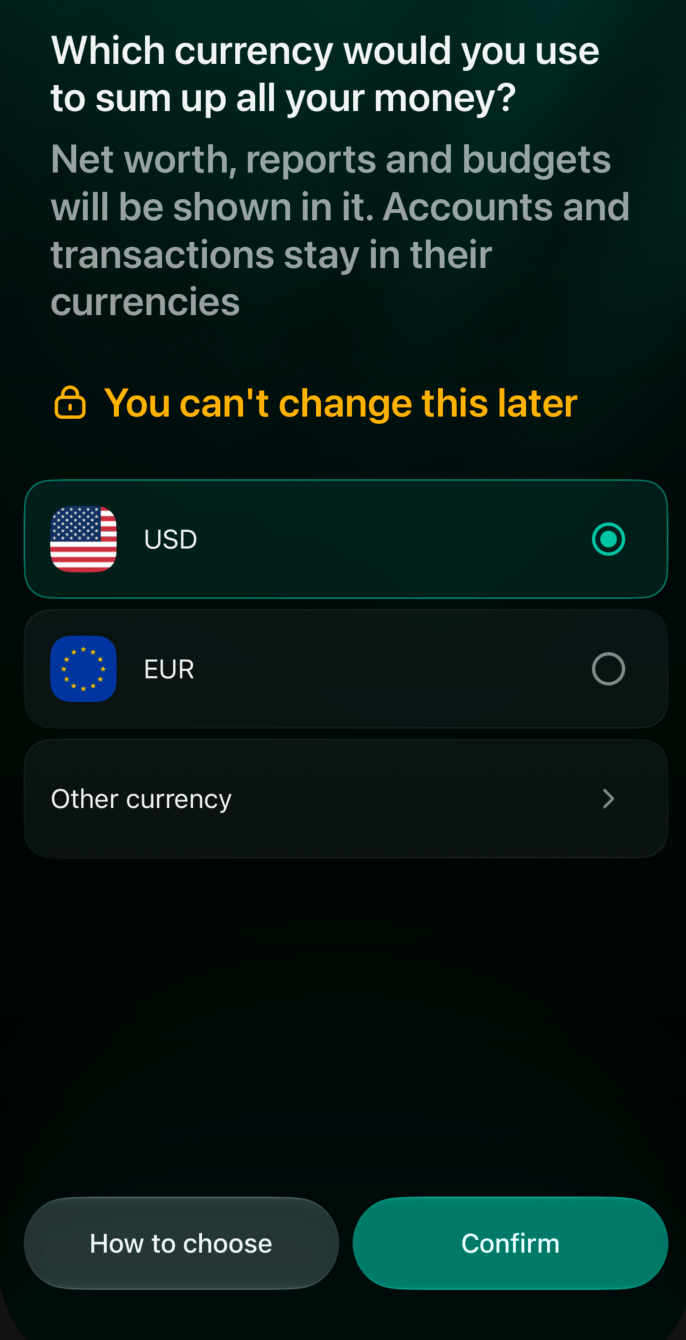
- On Which currency would you use to sum up all your money?, select a currency.
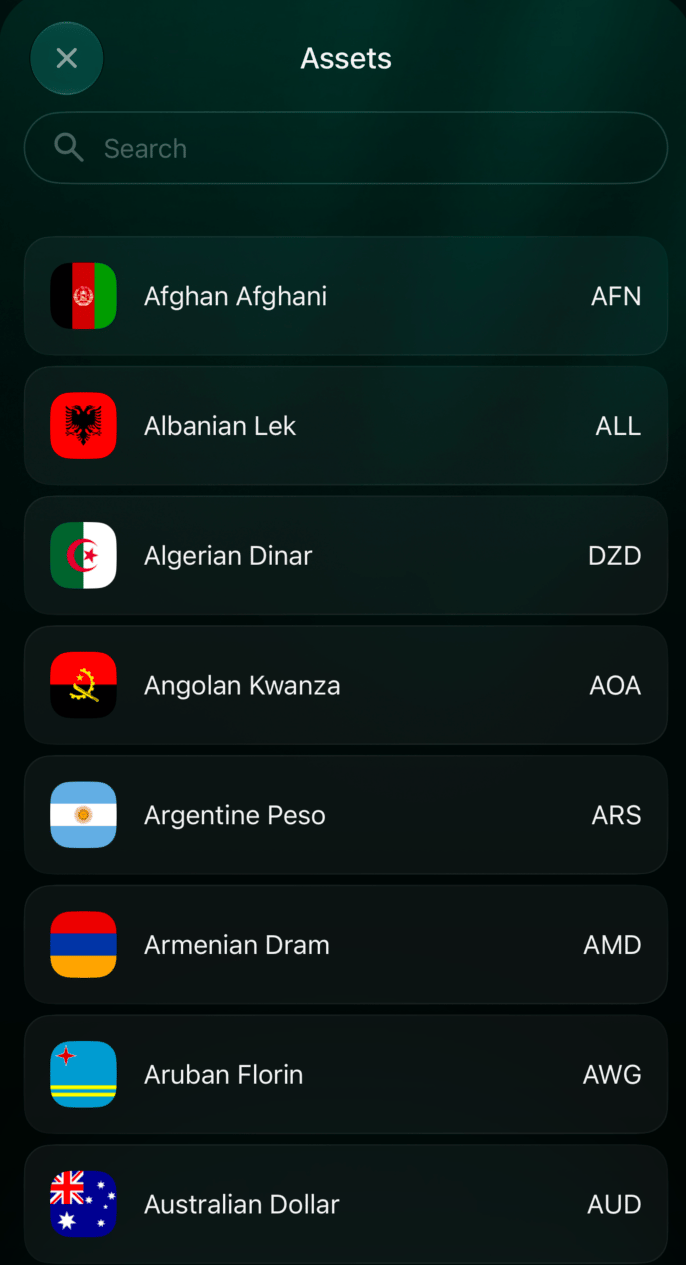
- If you need another currency, select Other currency and find it in the list.
- Select Confirm to move to the time zone step. Your choice is saved when you confirm the time zone.
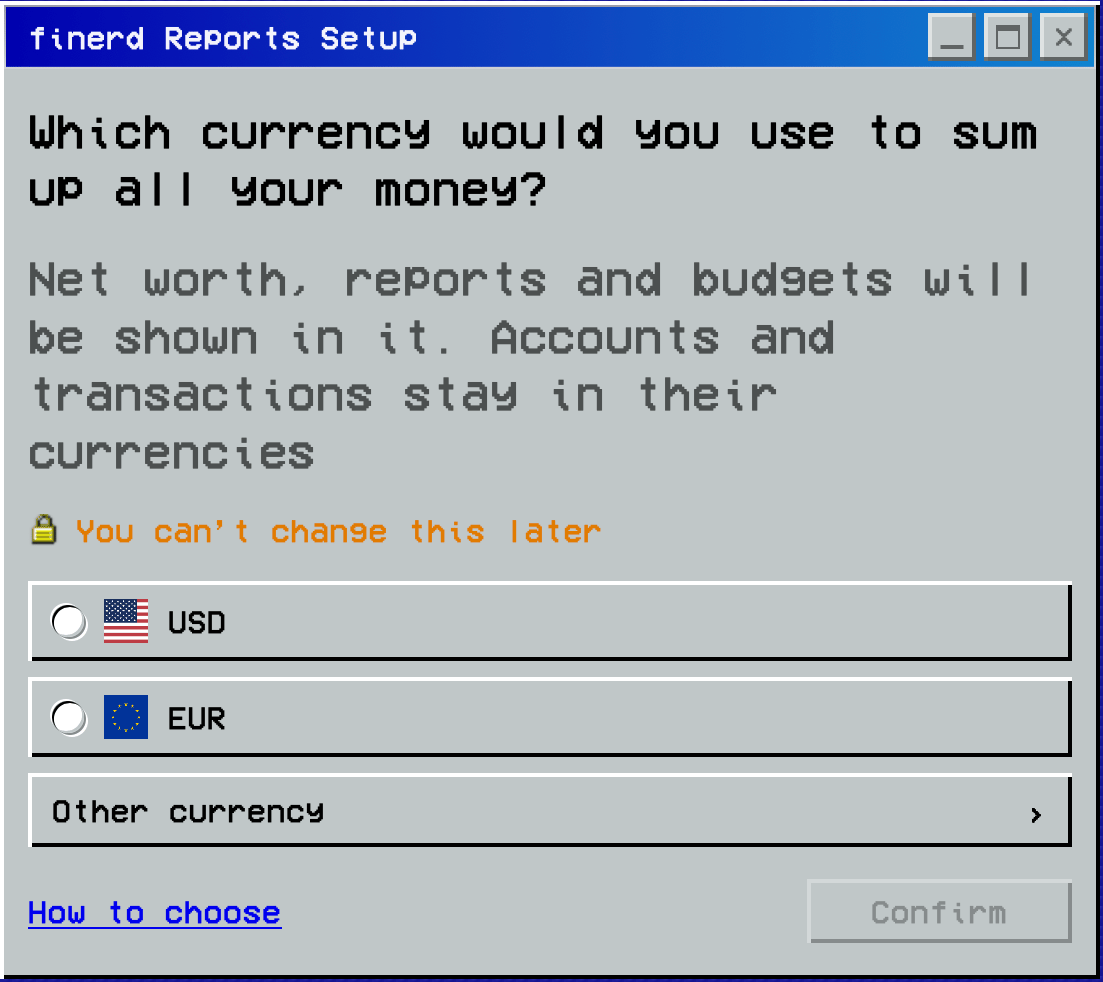
Choose your primary currency.
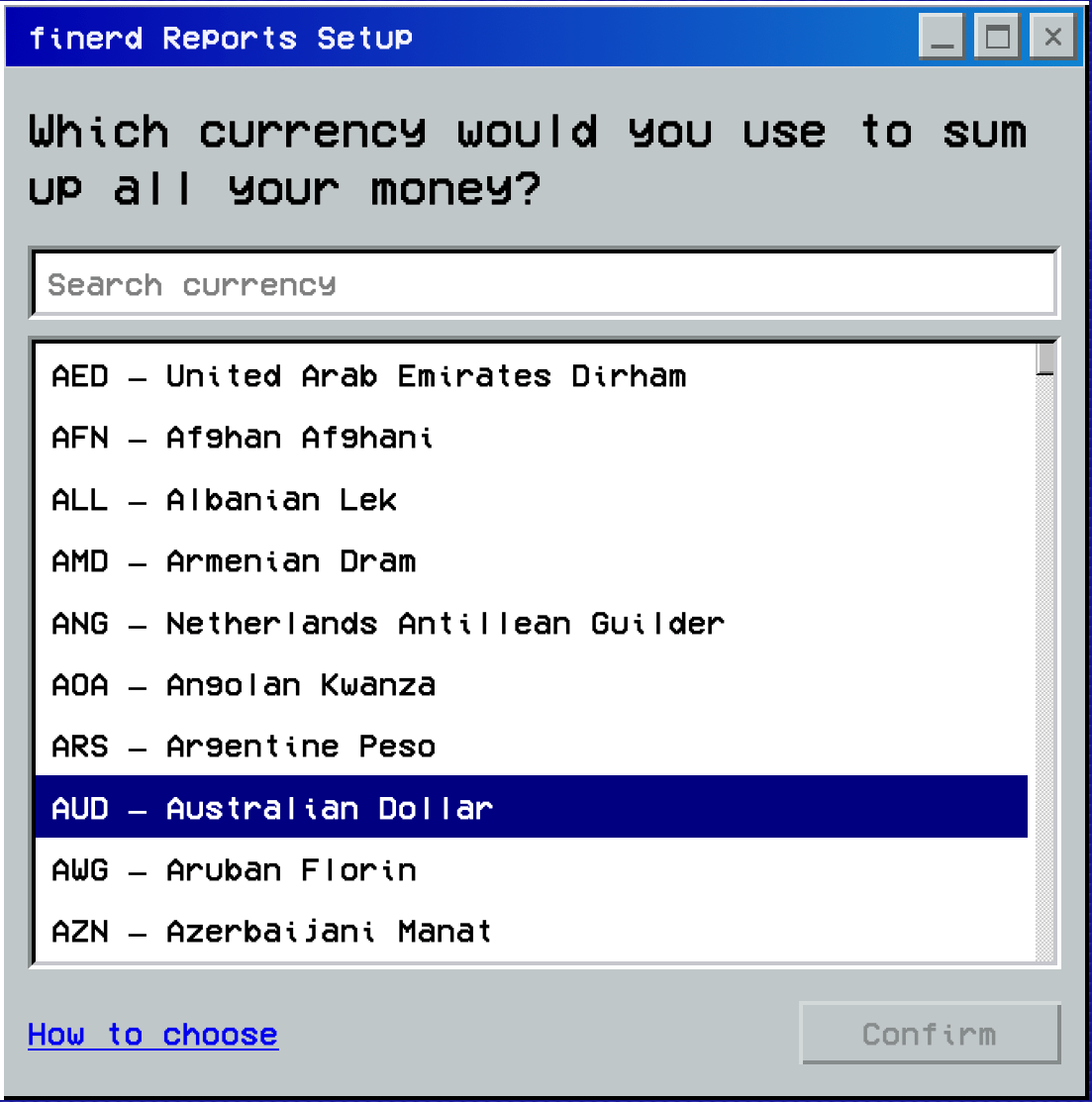
Other currency opens the list with Search currency.
Choose your time zone
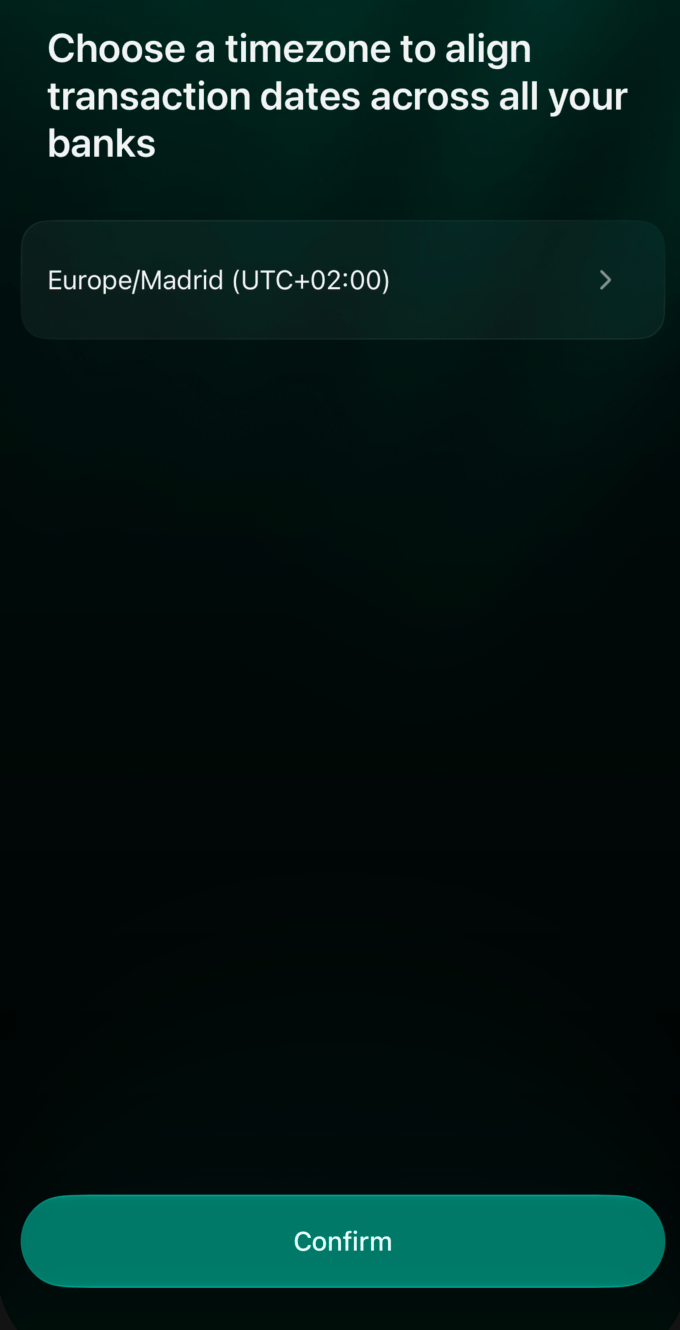
Your time zone provides a common local time for displaying transactions in your finerd space. This helps you compare transaction dates across different banks when reviewing reports. Choose the time zone you want to use for your accounting, usually the one where you live. After choosing your primary currency, check the suggested time zone before confirming.- Web
- iOS
- On Which time zone are you in?, select the time zone you need.
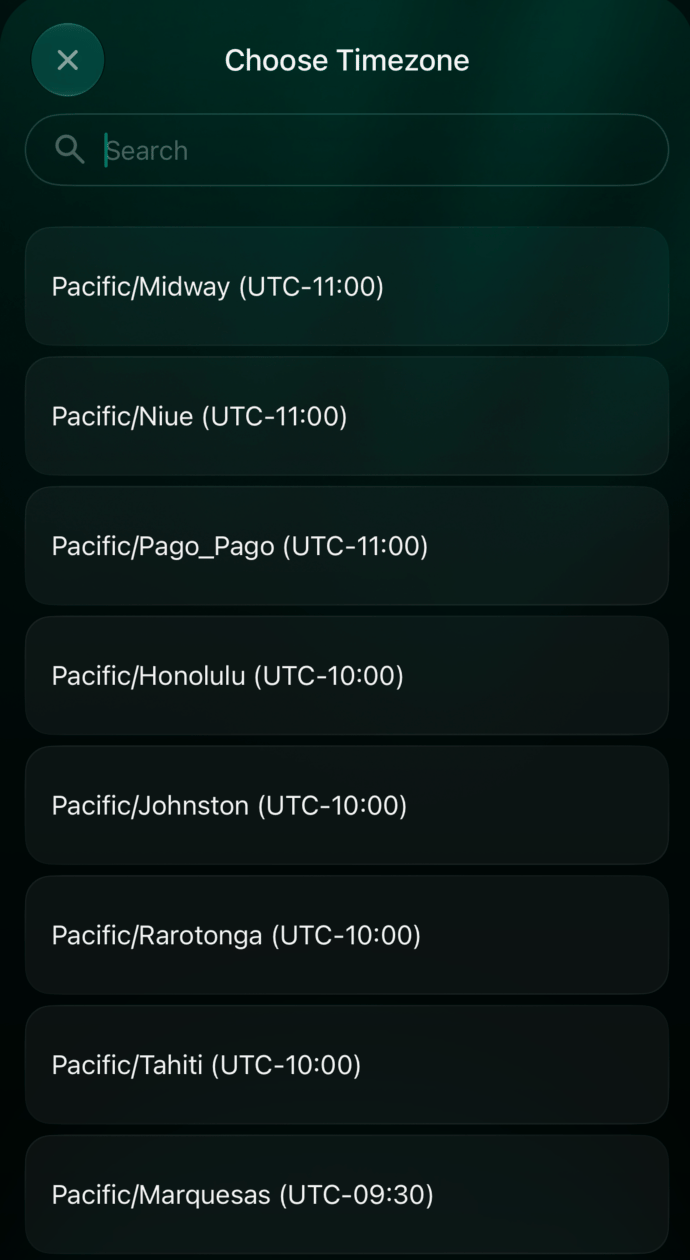
- To choose another, select Other time zone and find it in the list.
- Select Confirm to save your primary currency and time zone and continue setup. To return to the currency choice, select Back.
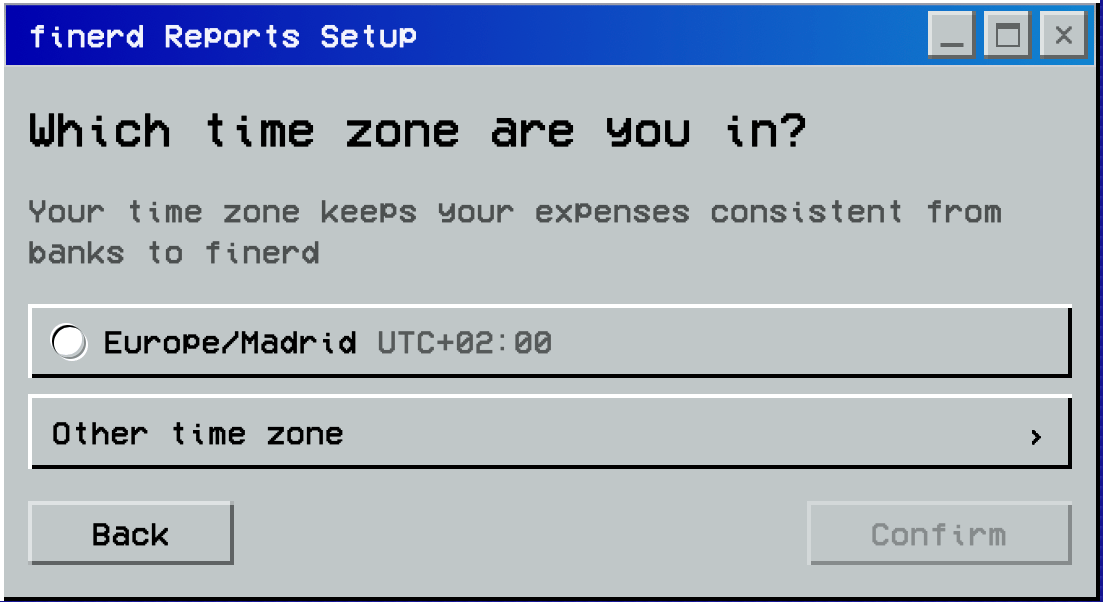
Select your time zone, then Confirm.