
Talk to finerd in the chat
finerd reads a message when it names finerd as a word, anywhere in the message: “finerd, taxi 30”, “@finerd who owes whom?”. Capital letters don’t matter. It also reads your answers to its own questions (see Answer finerd’s questions) and messages where a party member says they paid for something (see Record an expense). finerd answers in the language you write in. It never replies inside a thread: its answer appears at the bottom of the chat, not under your message. You never need to reply to one of finerd’s messages (swipe it); if you do, that counts as talking to finerd too.Create a party
- In Messages, add +1 559 349 8269 to your group chat, or start a new group with it.
- Write anything to finerd in the chat, for example “finerd, hi” or “finerd, create a group”. finerd can’t tell when it’s added, so this first message is what wakes it up.
- finerd offers to create a party named after the chat (or Shared expenses if the chat has no name), for example: “Create the party “Lisbon trip” for this chat?” with 1 — Yes and 2 — No. Write 1. If finerd can’t read your main currency, it asks instead which currency to split in (“Which currency will you split the expenses of “Lisbon trip” in?”) and lists a few with numbers; write the number, or choose Other and write the currency, such as “euro” or EUR. This question has no No: writing a currency’s number creates the party.
- finerd confirms in a few short messages: “The party “Lisbon trip” is ready.”, how to write an expense, which currency it uses for amounts without one (“Amounts with no currency are in USD.”, unless you just chose the currency), how to set your name if finerd doesn’t know it, and last “Everyone else: to join, write “+”.”
If you’re not on finerd yet
When the person who wrote to finerd hasn’t connected finerd in iMessage yet (they have no finerd account, or have one but haven’t connected it here), finerd sends two messages: “Not on finerd yet? Connect with the link and write to me here again.” with a Connect finerd link, and then “Create a party “Shared expenses” for this chat? Whoever is on finerd — write 1.” with 1 — Create a party and 2 — No. Anyone in the chat who has already connected finerd in iMessage can write 1 and create the party. finerd names this party Shared expenses, not after the chat. To create it yourself:- Open the Connect finerd link on your iPhone. The Join finerd in Messages page opens Messages with a message to finerd already typed; send it. If Messages doesn’t open, select Open Messages.
- Answer finerd in your private chat. When it sends a link to a finerd page, open it.
- On Create your finerd account, select Continue with Apple, or enter your email, select Create account and enter the code finerd emails you. If you already have an account, select Log in at the bottom of the page.
- On Let finerd in iMessage see and change your money records, select Allow. The page notes that messages to the bot aren’t end-to-end encrypted and that the AI that writes replies doesn’t train on your data.
- On Send the code in iMessage, select Open Messages. Messages opens with “Connecting finerd. Code: …” typed in your chat with finerd; send it.
- Go back to the group chat and write to finerd again, for example “finerd, hi”. finerd shows its offer again; write 1.
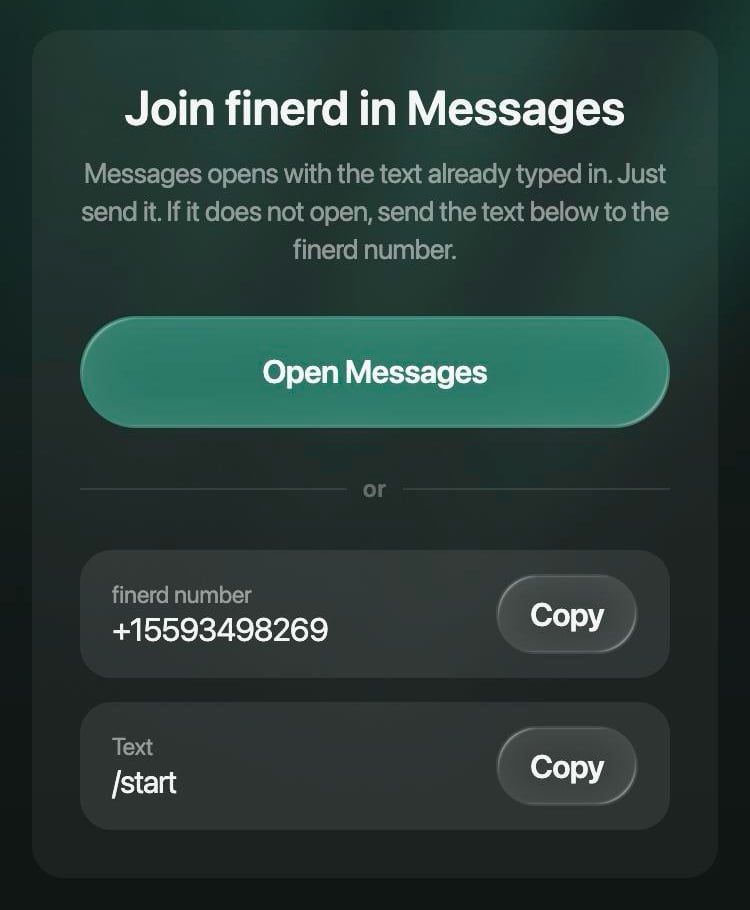
The Connect finerd link opens Messages with a message to finerd typed.
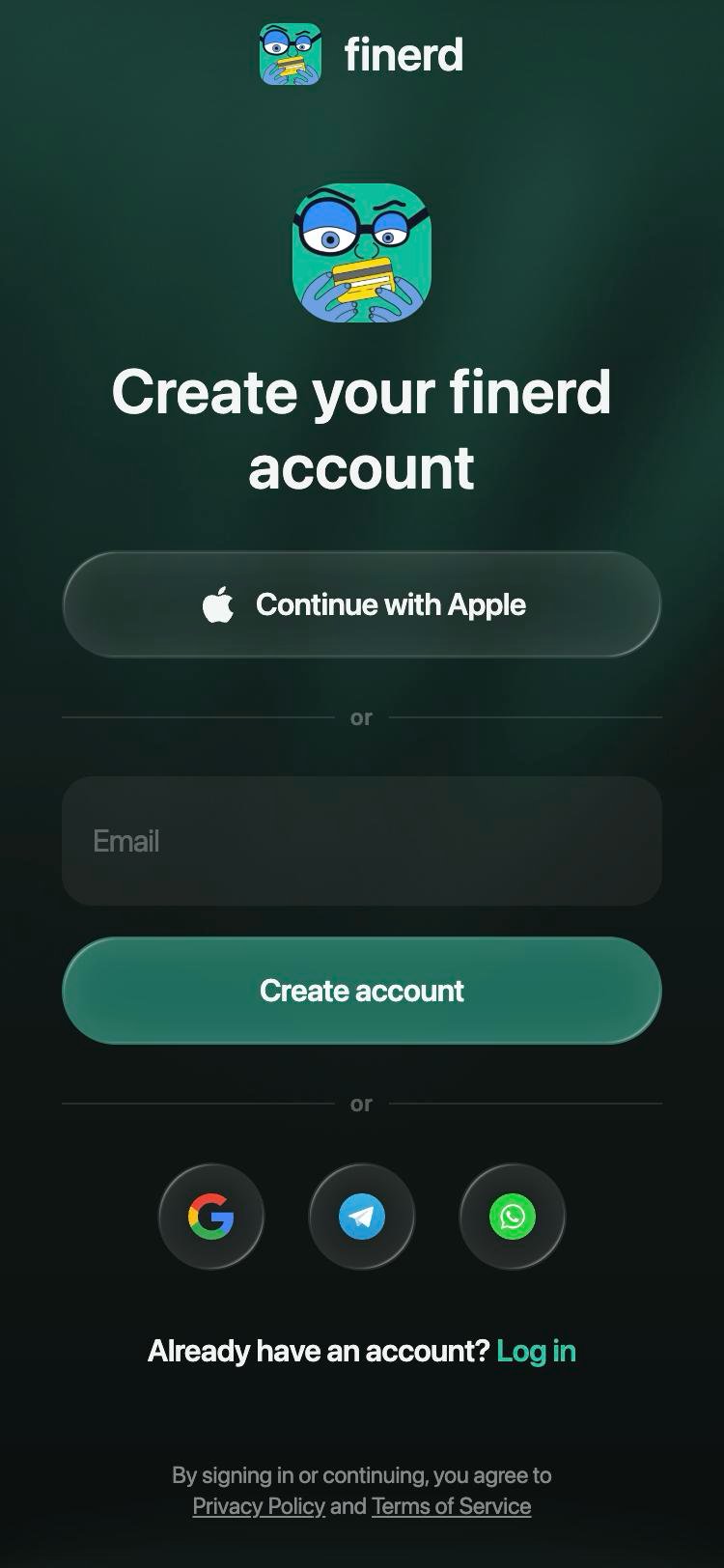
Create your account, or log in at the bottom.
Join a party
To join the chat’s party, write + in the group chat. It works at any time, however long ago the party was created.- finerd already connected in iMessage: you join at once, and finerd writes, for example, “Olya is in the party “Lisbon trip”.” If the party doesn’t know your name, finerd writes “You’re in the party “Lisbon trip”. To show your name: “finerd, I’m Mike”.” (see Set your name).
- Not connected yet (no finerd account, or an account you haven’t connected in iMessage): finerd writes “I wrote to you privately.” in the group and asks you in your private chat: “Join the party of the group chat you just wrote to me in?” with 1 — Yes, join and 2 — No. Write 1, then create your account or sign in, allow access and send the code, as in steps 2–5 above. If finerd doesn’t know your name, it asks “What should the party call you?”: write your name, up to 40 characters. finerd adds you to the party and writes “Done: you are in the party “Lisbon trip”.”
Record an expense
Write the expense to finerd in the group chat:- “finerd, taxi 30”
- “finerd, groceries 45 euro” (in a currency other than the party’s)
- “finerd, dinner 120 me, Olya and Sam” (shared by the people you name)
Answer finerd’s questions
finerd has no buttons in iMessage. Its questions list numbered options, such as 1 — Yes and 2 — No. You don’t need to reply to the question (swipe it):- A number answers the newest question finerd asked you, within 10 minutes. After that, write “finerd, 1” in the group to answer a question finerd asked you; a plain number is no longer taken as an answer. In your private chat with finerd, write the plain number: if the question is older than 10 minutes, finerd shows it again, and your next number answers it.
- Yes or no in words answers the newest question finerd asked you, within 10 minutes. “Create the party?” and “Join the party?” also take “ok” or +. Questions about money, such as “did the money arrive?”, take only a plain “yes” or “no”.
- Your next message answers a question about your own new expense, such as which currency or which person you meant, once, within 10 minutes, while that question is still finerd’s latest message in the chat. Otherwise, start the answer with “finerd, …”.
- “finerd, …” always works.
Change or remove an expense
Tell finerd what to change, starting with its name:
finerd changes the expense your words point to, by its name or old amount (“finerd, remove the taxi”, “finerd, not 90 but 80”), among your last five. If your words name no expense at all, it changes your latest expense when you recorded it less than 30 minutes ago (a second “finerd, remove it” in a row asks instead). Otherwise, for example when the name matches none or several of your expenses, finerd asks Which expense? and lists your recent expenses with numbers, plus None: write the number within 10 minutes.
finerd shows the result at the bottom of the chat. For a removed expense it writes, for example, ”🗑 Mike removed an expense from the party: pizza — 90 $.” For a new amount it sends the expense again with the old amount: “Changed the amount: pizza, 80 $ (was 90 $). Paid by Mike.”
Only the person who paid can change or remove an expense. The others’ shares and the balance update right away.
See who owes whom and settle up
Write “finerd, who owes whom?”. finerd lists the payments that would settle everyone, for example “Olya → Mike: 30 $” and “Sam → Mike: 30 $”, with 1 — 💸 Settle up. When nobody owes anyone, it writes “All square.” To pay back what you owe:- Write 1 under the list within 10 minutes. finerd writes in the group, for example “Olya, I wrote to you privately. To open our chat, tap my number:”, with finerd’s number on the next line. Tap it to open your private chat with finerd.
- In your private chat, finerd shows how much you owe, for example “You owe Mike 30 $”. If you and Mike sync your debts in finerd and Mike has added payment options, finerd lists them too.
- Pay Mike the usual way, then write 1 for ✅ I paid — record it. If you owe several people, finerd lists a choice for each, such as ✅ I paid Mike — record it: write the number next to the person you paid. finerd confirms ”✅ Settlement recorded: Olya → Mike, 30 $. It closes as soon as Mike gets the money.”
- In the group chat, finerd asks Mike: ”💸 Olya → Mike: 30 $. Mike, did the money arrive?” with 1 — ✅ Arrived and 2 — ❌ Didn’t arrive. When Mike writes 1 (or “yes”), the settlement is confirmed. 2 cancels it. If finerd already sees the money in Mike’s bank account in finerd, it doesn’t ask: it writes that the money arrived.
Set your name
finerd can’t see names in iMessage. If finerd doesn’t know your name, the person who created the party shows as Author. To change how the party shows you, write “finerd, I’m Mike”. finerd confirms “Done: the party shows you as Mike now.” You have to be in the party first: write + if you aren’t.Archive a party
When everyone is square, the “who owes whom?” answer offers 1 — 🗄 Archive the party; you can also write “finerd, archive the party”. finerd asks to confirm with 1 — 🗄 Yes, archive or 2 — No, keep it, and only the person who asked can answer, with the number. An archived party keeps its expenses and settlements in the history, but takes nothing new, and finerd can’t bring it back. While someone still owes someone, finerd doesn’t archive the party. After the archive, the chat is free for a new party, for example for your next trip with the same people. finerd says so: “A new party in this chat: “finerd, start a party”.” Write that, and finerd offers a new party as in Create a party. If someone archived the party in the finerd app or on the web, finerd notices at the next message to it in the chat: it writes ”🗄 The party “Lisbon trip” is archived.” and offers a new one.What finerd doesn’t do in the chat
- Reply in threads. finerd answers at the bottom of the chat, not under your message.
- Take people out when they leave. Someone who leaves the iMessage chat stays in the party.
- Add people to earlier expenses. Someone who joins later shares only the expenses recorded after they joined.
- Answer questions about your own finances. Everyone in the chat would see the answer, so finerd asks you to write to it privately.