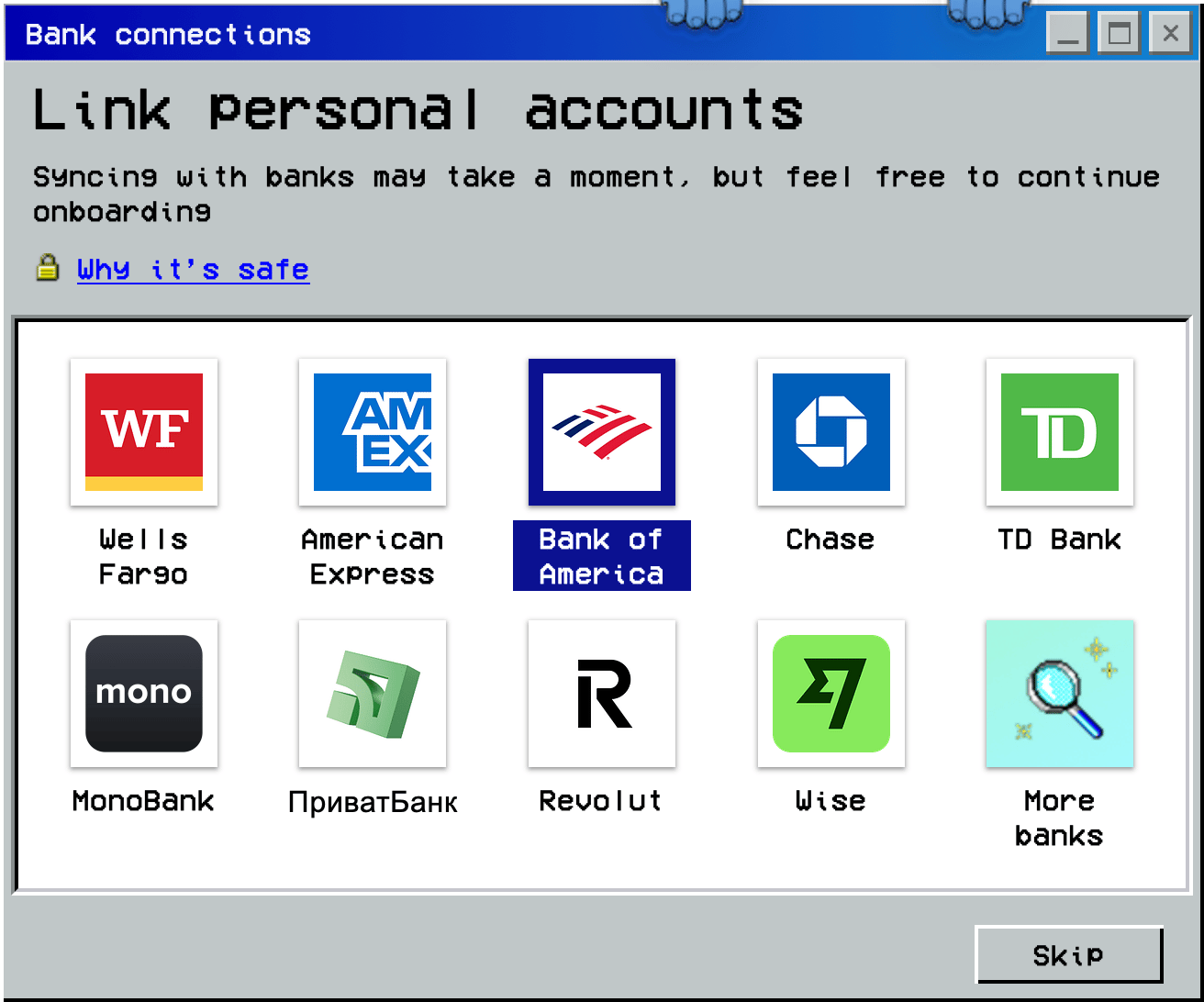
During initial setup, finerd offers to connect your bank. You can choose a bank now or skip this step.
Web
iOS
On Bank connections, choose your bank or select More banks to find another.
To continue without connecting, select Skip.
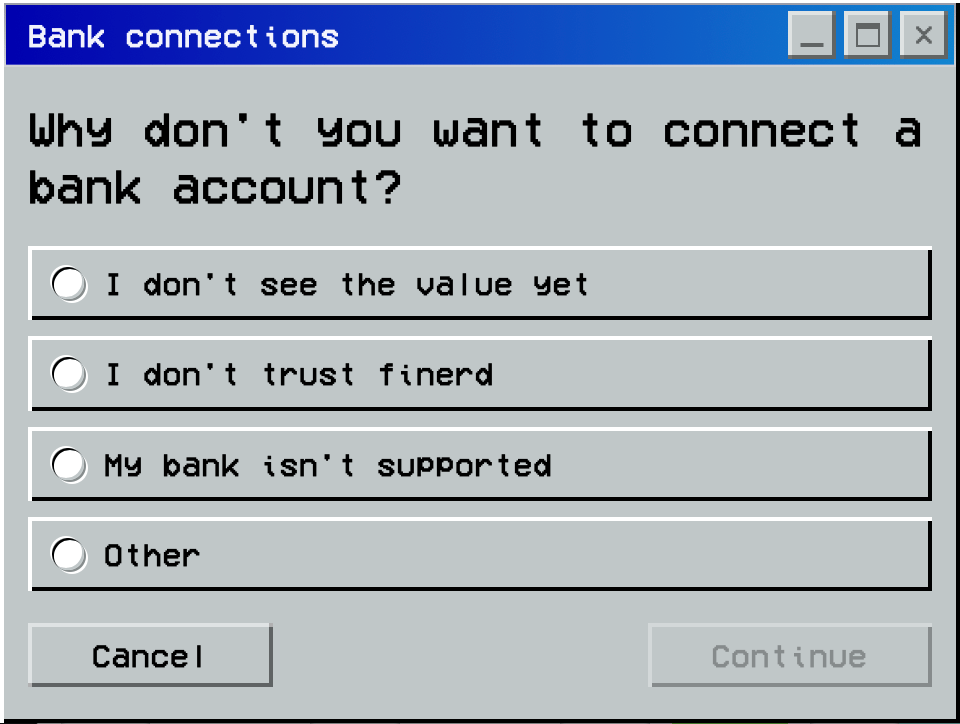
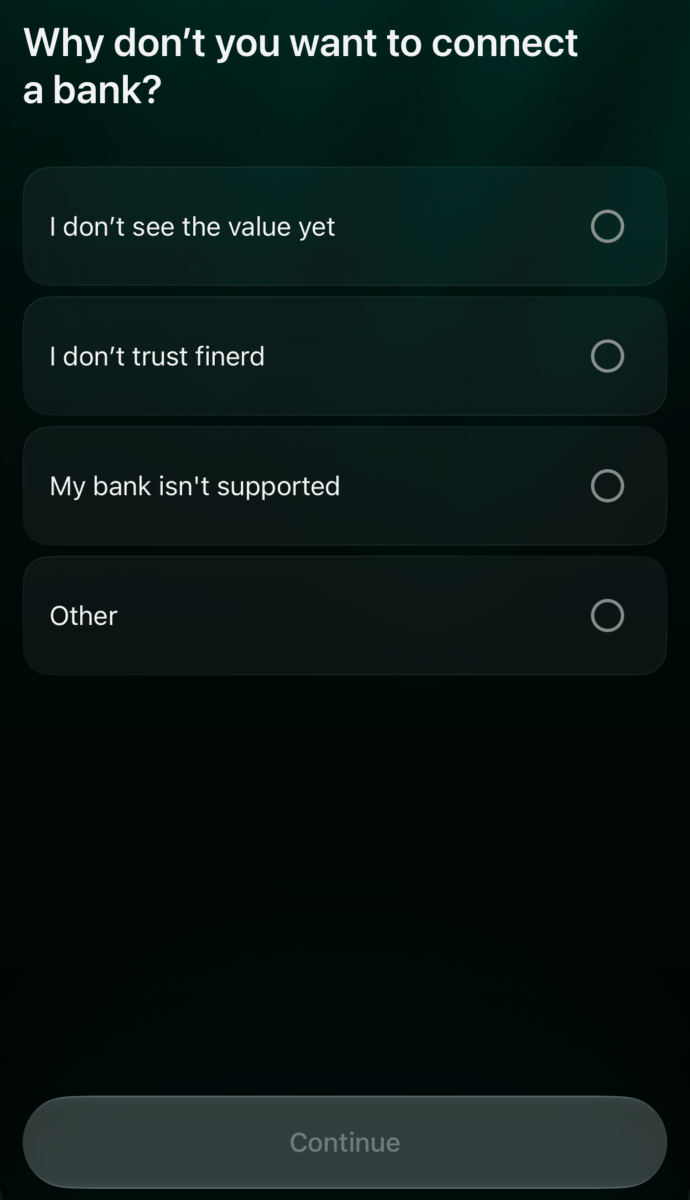
Choose a reason for skipping and select Continue. For Other, also enter an explanation.
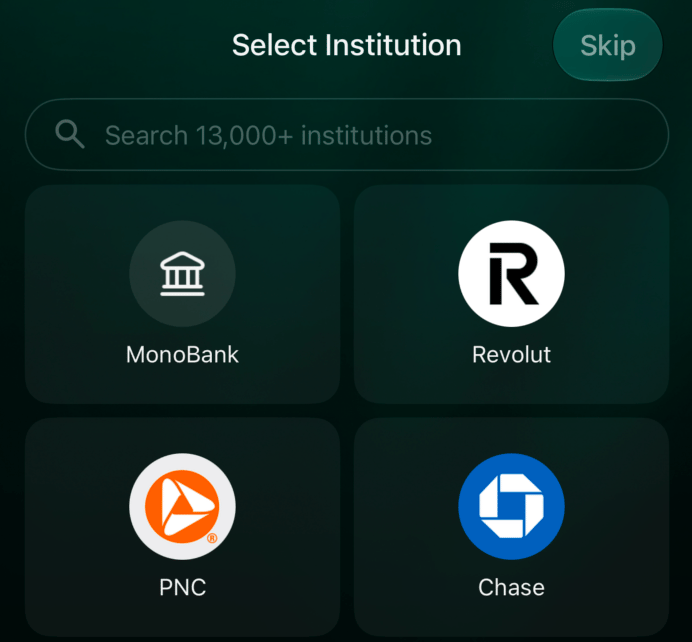
Choose a bank or select Skip.
Choose a reason for skipping, then select Continue.
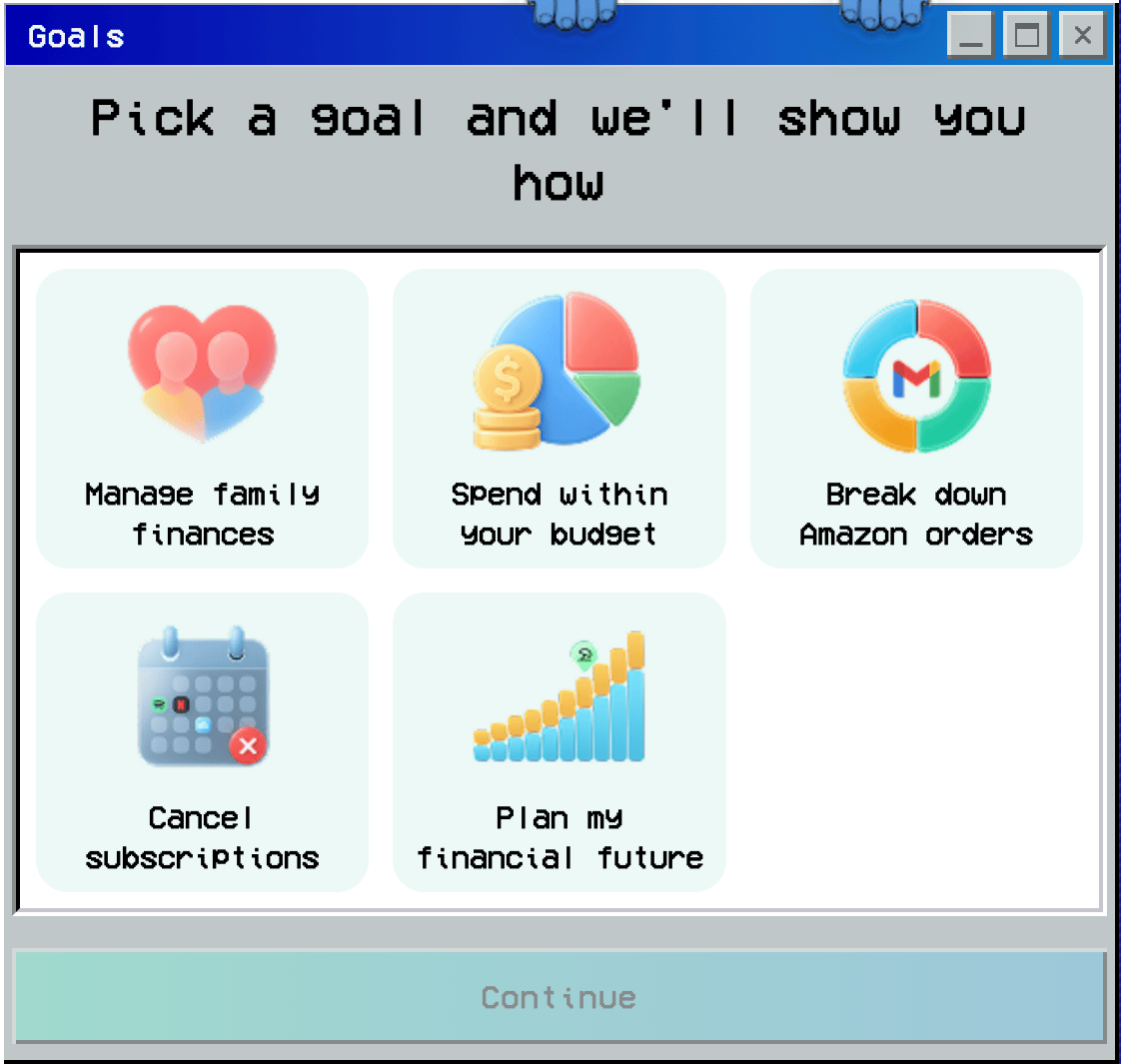
Next, on Pick a goal and we’ll show you how, choose the goals you want finerd to help with and select Continue. This opens the Dashboard.
Choose your goals and continue to the dashboard.
After choosing your goals, Select Institution opens. Search for your bank or select it from the list.
To connect a bank later, tap Skip.
On Why don’t you want to connect a bank?, choose a reason and tap Continue. For Other, also enter an explanation.
Next, finerd offers to set up Apple Pay payment tracking. See Track Apple Pay payments for instructions. Tap Skip to go to the dashboard without setting it up.
After connecting a bank, importing history, or adding records manually, check that the records match your accounts and transactions.
Web
iOS
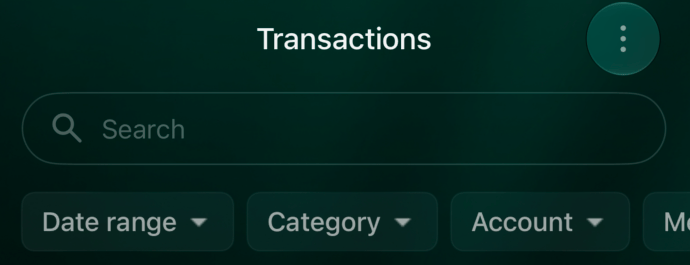
Open Accounts to review your accounts and balances. Then open Transactions. To check one account, select it in Account and choose the period in Date range.
Choose an account and date range to check.
Open More → Accounts to review your accounts and balances. Open Transactions to review transactions. Select an account in Account and choose the period in Date range.
Choose an account and date range to check.
Compare these details with your bank statement or your own records:
Accounts and currencies: check that the expected accounts are present and each balance uses the correct currency.
Balances: compare amounts in the same currency and on the same date.
First transactions: check the account, date, amount, currency, and category of a few records.
History coverage: check for missing or repeated transactions in the selected period, especially if you combined several ways of bringing in data.
Before adding a transaction manually, check whether it is already listed. If a balance differs, see Verified balance.