> ## Documentation Index
> Fetch the complete documentation index at: https://help.finerd.ai/llms.txt
> Use this file to discover all available pages before exploring further.
# 新しく始めるか、履歴を取り込むか
> finerdを新しく始めるか、他のアプリやスプレッドシートで記録してきたお金の履歴をfinerdに取り込むかを選びます。
export const Video = ({id, title, aspect}) =>
;
開始方法を選ぶ
他のアプリからデータを持ち込まずにfinerdを設定したい場合は、新しく始めます。すでに家計を記録していて、その履歴を残したい場合は、移行を選びます。ファイルの準備と結果の確認については、[他のアプリやスプレッドシートからデータを移行する](/ja/bills/move-your-data)をご覧ください。
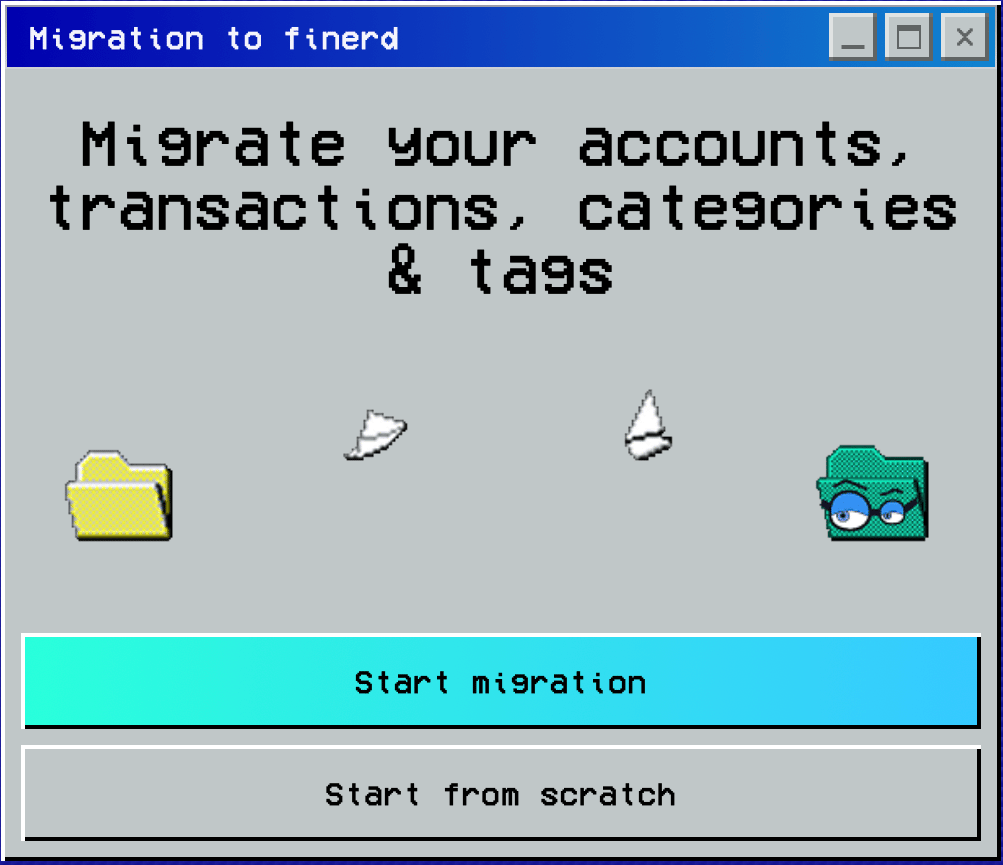
**finerdへの移行**で、次のどちらかを選びます。
* **新しく始める**を選ぶと、履歴を取り込まずに設定を続けます。
* **移行を開始**を選ぶと、データの取り込み元を**Saldo**、**Finerd**、**自分のスプレッドシート**、**その他**から選べます。
移行には、**CSV形式**(`.csv`)のファイルを用意します。ファイルは**最大10件、合計10 MBまで**です。
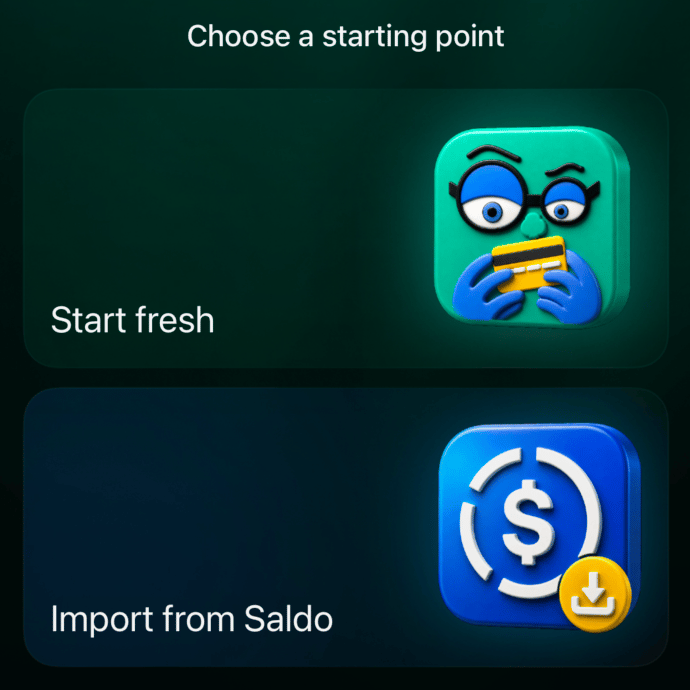
 **開始方法を選択**で、次のどちらかを選びます。
* **新しく始める**を選ぶと、履歴を取り込まずに始められます。続いて**目標を選ぶと使い方をご案内します**の画面で、finerdで手伝ってほしいことを選べます。
* **Saldoから取り込む**を選ぶと、Saldoから移行するためのCSVファイルを選ぶ画面が開きます。
**Saldoから取り込む**には、Saldoから出力した**CSVファイル1つ**(`.csv`)を用意します。
**開始方法を選択**で、次のどちらかを選びます。
* **新しく始める**を選ぶと、履歴を取り込まずに始められます。続いて**目標を選ぶと使い方をご案内します**の画面で、finerdで手伝ってほしいことを選べます。
* **Saldoから取り込む**を選ぶと、Saldoから移行するためのCSVファイルを選ぶ画面が開きます。
**Saldoから取り込む**には、Saldoから出力した**CSVファイル1つ**(`.csv`)を用意します。
関連記事
* [銀行を連携し、目標を選んで最初の口座を確認する](/ja/getting-started/first-account)(設定の次のステップ)
* [他のアプリやスプレッドシートからデータを移行する](/ja/bills/move-your-data)(ファイル、手順、エラー)
* [銀行の明細を取り込む](/ja/bills/import-statement)(すべてを移行せず、1つの口座に取り込む場合)
* [銀行を連携する](/ja/institutions/connect-institution)(新しい取引を自動で取り込む場合)
* [口座を作成して設定する](/ja/accounts/create-account)(口座を自分で記録する場合)
This documentation is built and hosted on [Mintlify](https://mintlify.com), a developer documentation platform.