> ## Documentation Index
> Fetch the complete documentation index at: https://help.finerd.ai/llms.txt
> Use this file to discover all available pages before exploring further.
# Start fresh or import history
> Start fresh or bring your previous financial history into finerd.
Choose a starting point
Start fresh if you want to set up finerd without bringing data from another app. If you already track your finances and want to keep that history, choose migration.
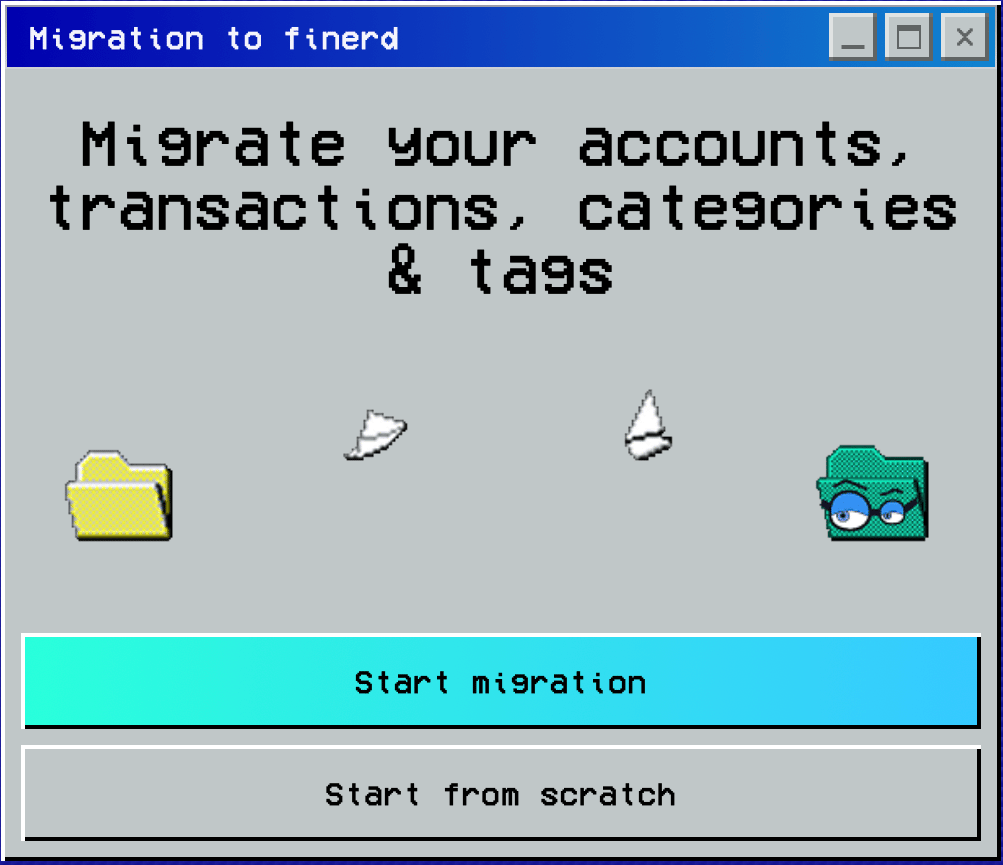
On **Migration to finerd**, choose:
* **Start from scratch** to continue setup without importing your history.
* **Start migration** to choose your data source: **Saldo**, **Finerd**, **My spreadsheets**, or **Other**.
For migration, prepare **CSV (.csv)** files: up to **10 files with a combined size of up to 10 MB**.
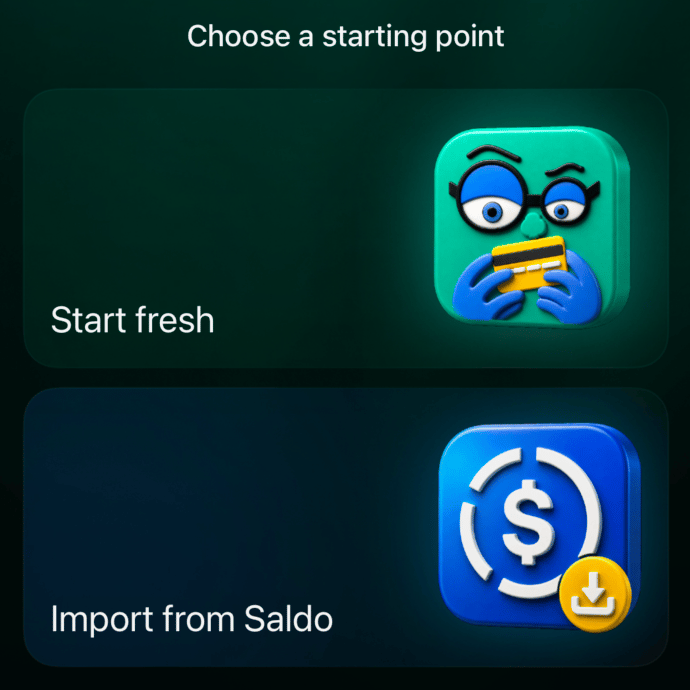
 On **Choose a starting point**, choose:
* **Start fresh** to begin without importing your history. Next, **Pick a goal and we’ll show you how** lets you choose what you want help with in finerd.
* **Import from Saldo** to open the CSV file picker for a Saldo migration.
For **Import from Saldo**, prepare **one CSV file (.csv)** exported from Saldo.
On **Choose a starting point**, choose:
* **Start fresh** to begin without importing your history. Next, **Pick a goal and we’ll show you how** lets you choose what you want help with in finerd.
* **Import from Saldo** to open the CSV file picker for a Saldo migration.
For **Import from Saldo**, prepare **one CSV file (.csv)** exported from Saldo.
 This documentation is built and hosted on [Mintlify](https://mintlify.com), a developer documentation platform.